



A virtual assistant is any AI-powered or human-enabled agent that handles routine, repeatable business tasks so your core team can focus on work that actually requires judgment. The reason why businesses deploy virtual assistants comes down to one core pressure: doing more with fewer resources while keeping customers satisfied. Gartner projects $80 billion in global labor cost savings from virtual assistant automation in 2026. That number signals a structural shift, not a trend. The industry term for this shift is “intelligent automation,” and it covers both AI-driven chatbots and human remote assistants working inside your workflows.
Why businesses deploy virtual assistants: the core operational case
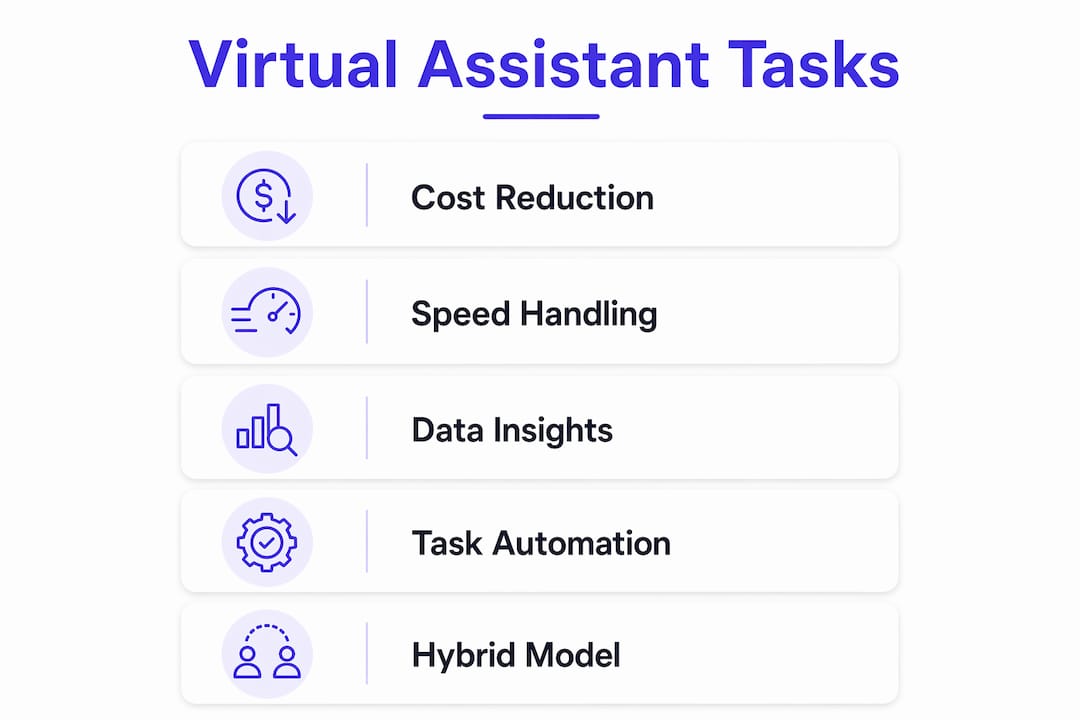
The primary driver is cost reduction in customer service and contact center operations. High-volume, routine inquiries consume the most agent hours and produce the least differentiated value. Automating those interactions frees budget and human attention for complex cases. Gartner’s Patrick Quinlan notes that return on AI investments isn’t guaranteed, which is why most organizations choose partial automation over full replacement.
The second driver is speed. A human agent handles one conversation at a time. An AI virtual assistant handles hundreds simultaneously, with no hold time and no shift constraints. For businesses running 24/7 customer operations, that capacity difference is decisive.

The third driver is data. Every interaction a virtual assistant handles generates structured logs, sentiment signals, and resolution data. That output feeds analytics dashboards and informs decisions that would otherwise require expensive manual audits.
What operational tasks do virtual assistants typically handle?
Virtual assistants cover two broad categories: customer-facing tasks and back-office tasks. The split matters because the automation logic differs between them.
Customer-facing tasks handled by AI virtual assistants:
- Answering frequently asked questions about products, pricing, and policies
- Appointment scheduling and rescheduling
- Order status updates and tracking inquiries
- Lead qualification and initial intake forms
- Password resets and account verification
Back-office tasks handled by human virtual assistants:
- Email triage and calendar management
- Data entry and CRM updates
- Research, reporting, and document preparation
- Project coordination and vendor follow-up
AI assistants use NLP and ML to interpret customer intent and escalate to a human agent when the situation requires empathy or judgment. That escalation logic is what separates a well-deployed assistant from one that frustrates customers. Human virtual assistants, by contrast, handle tasks that require context, discretion, and relationship awareness. Remote human assistants free business leaders to focus on growth activities rather than administrative overhead.
Pro Tip: Before automating any task, map the full resolution path. If a task requires more than three decision points or involves sensitive data, keep a human in the loop and use AI only for the intake and routing steps.
How do virtual assistants reduce costs without sacrificing service quality?
The cost reduction case is real, but it comes with conditions. Full automation is expensive to build, maintain, and govern. Only 20% of customer service leaders have actually reduced agent headcount due to AI. The other 80% use AI to assist agents, not replace them.
Gartner’s Kathy Ross points out that AI’s immaturity in fully replacing agents is a real constraint, and broader economic factors also drive staffing decisions. The practical result is that hybrid models dominate. AI handles volume; humans handle complexity.
| Deployment model | Cost profile | Service quality risk |
|---|---|---|
| Full AI automation | High upfront, high maintenance | High if AI fails on complex cases |
| Hybrid AI-human | Moderate, ongoing tuning costs | Low when escalation paths are clear |
| Human-only virtual assistant | Lower tech cost, per-hour billing | Low, but limited scalability |
Gartner also predicts that by 2027, 50% of companies that cut staff due to AI will rehire to maintain service quality. That finding reframes the cost conversation. Cutting headcount too aggressively creates wait time problems and customer experience decline. The savings come from handling more volume at the same staffing level, not from eliminating your team.
Pro Tip: Track your “assisted volume” metric monthly. If customers are opting out of AI interactions and routing to human agents at an increasing rate, your AI content or escalation logic needs tuning, not your staffing model.
What are the strategic benefits beyond cost savings?
Cost efficiency gets the headlines, but the strategic case for virtual assistants runs deeper. Early adopters investing in data, technology, and talent achieve higher customer lifetime value and stronger brand loyalty than competitors who treat automation as a cost-cutting exercise.
The strategic benefits that matter most to business leaders include:
- Personalization at scale. AI assistants pull customer history from your CRM and tailor responses in real time. A human agent serving 50 customers a day cannot match that consistency.
- Proactive service. AI can trigger outbound messages when an order is delayed, a subscription is about to expire, or a payment fails. That proactive contact reduces inbound volume and improves satisfaction scores.
- Operational flexibility. A virtual assistant scales up during peak seasons without recruiting, onboarding, or overtime costs. You add capacity in hours, not weeks.
- Competitive differentiation. Faster response times and 24/7 availability are table stakes in most industries now. Businesses that have not deployed any form of virtual assistant are visibly slower than those that have.
- Agent quality improvement. AI tools that surface suggested responses and real-time transcription during live calls make human agents more accurate and confident, not redundant.
The productivity gains extend beyond customer service. Construction project managers save 10+ hours per week by offloading administrative tasks to virtual assistants. That pattern repeats across industries: the time recovered from routine work compounds into measurable output gains over a quarter.
What are best practices and challenges when deploying virtual assistants?
Deployment failures share a common cause: leaders treat virtual assistants as a one-time implementation rather than an ongoing system. The following practices separate successful deployments from expensive experiments.
-
Budget for continuous tuning. AI models degrade without fresh training data and updated content grounding. Leaders should anticipate ongoing costs for AI tuning and human-in-the-loop governance rather than expecting one-time savings from a set-and-forget deployment.
-
Maintain clear human access paths. Regulatory pressure in financial services, healthcare, and telecommunications requires that customers can reach a human agent when they request one. Blocking that path creates compliance risk and customer attrition.
-
Define escalation triggers precisely. Specify which intents, sentiment signals, or unresolved loops automatically hand off to a human. Vague escalation logic is the single most common cause of poor AI customer experience.
-
Measure resolution quality, not just resolution rate. A virtual assistant that closes tickets without solving problems inflates your metrics and damages trust. Track post-interaction satisfaction scores separately for AI-handled and human-handled contacts.
-
Invest in human agent development alongside AI. As AI handles routine volume, your human agents will increasingly handle complex, high-stakes interactions. They need better training, not less of it.
Rising AI operational costs require ongoing governance investment. Businesses that skip this step see their AI-assisted volume grow as customers opt out of poor AI experiences and demand human contact, which erases the cost savings the deployment was meant to generate.
How do virtual assistants integrate into business workflows and systems?
Integration is where virtual assistant deployments either compound their value or stall. A standalone chatbot that cannot read your CRM or update your helpdesk ticket is a dead end. Organizations that connect virtual assistants with CRM, helpdesk, and communication platforms unlock AI-powered analytics and automated decision-making that standalone tools cannot deliver.
The integration categories that drive the most ROI are:
| Integration type | Business function supported |
|---|---|
| CRM connection | Personalized responses, customer history lookup |
| Helpdesk sync | Automatic ticket creation and status updates |
| Calendar and scheduling tools | Appointment booking without human involvement |
| Analytics and reporting dashboards | Performance tracking and conversation quality scoring |
Monobot’s automation flows and integration hub connect AI voice and chat agents directly to third-party tools without requiring code. That architecture means your virtual assistant acts on data from your existing systems rather than operating in isolation. The dashboard analytics layer then surfaces conversation trends, resolution rates, and escalation patterns so your team can act on real data rather than assumptions.
The hybrid model is the real story here
Most coverage of virtual assistants frames the question as AI versus humans. That framing is wrong, and it leads to bad deployment decisions. After working with hybrid AI-human deployments across multiple industries, the pattern I keep seeing is this: the businesses that get the most value are the ones that treat AI as a force multiplier for their human team, not a replacement for it.
The Gartner data on rehiring is the clearest signal. Companies that cut too deep are already reversing course. The ones that held their staffing levels and used AI to handle volume growth are now operating at a cost per interaction that their competitors cannot match, without the service quality problems that come from understaffing.
The other misconception I see constantly is that deployment is a project with an end date. It is not. An AI assistant that was well-tuned in january will drift by june if your product catalog, policies, or customer behavior has changed. The businesses winning with virtual assistants have assigned ownership of the AI system the same way they assign ownership of a product line. Someone is accountable for its performance every week.
My honest recommendation: start with one high-volume, low-complexity use case. Measure resolution quality and customer satisfaction separately from cost. Prove the model works before expanding. The temptation to automate everything at once is real, and it is consistently where deployments go wrong.
— Alex
Monobot’s AI agent platform for your deployment
Building a virtual assistant that actually works in production requires more than a chatbot builder. Monobot’s AI voice agent builder lets you create, deploy, and manage intelligent voice and chat agents across customer service, IT support, HR, and more, without writing a single line of code.
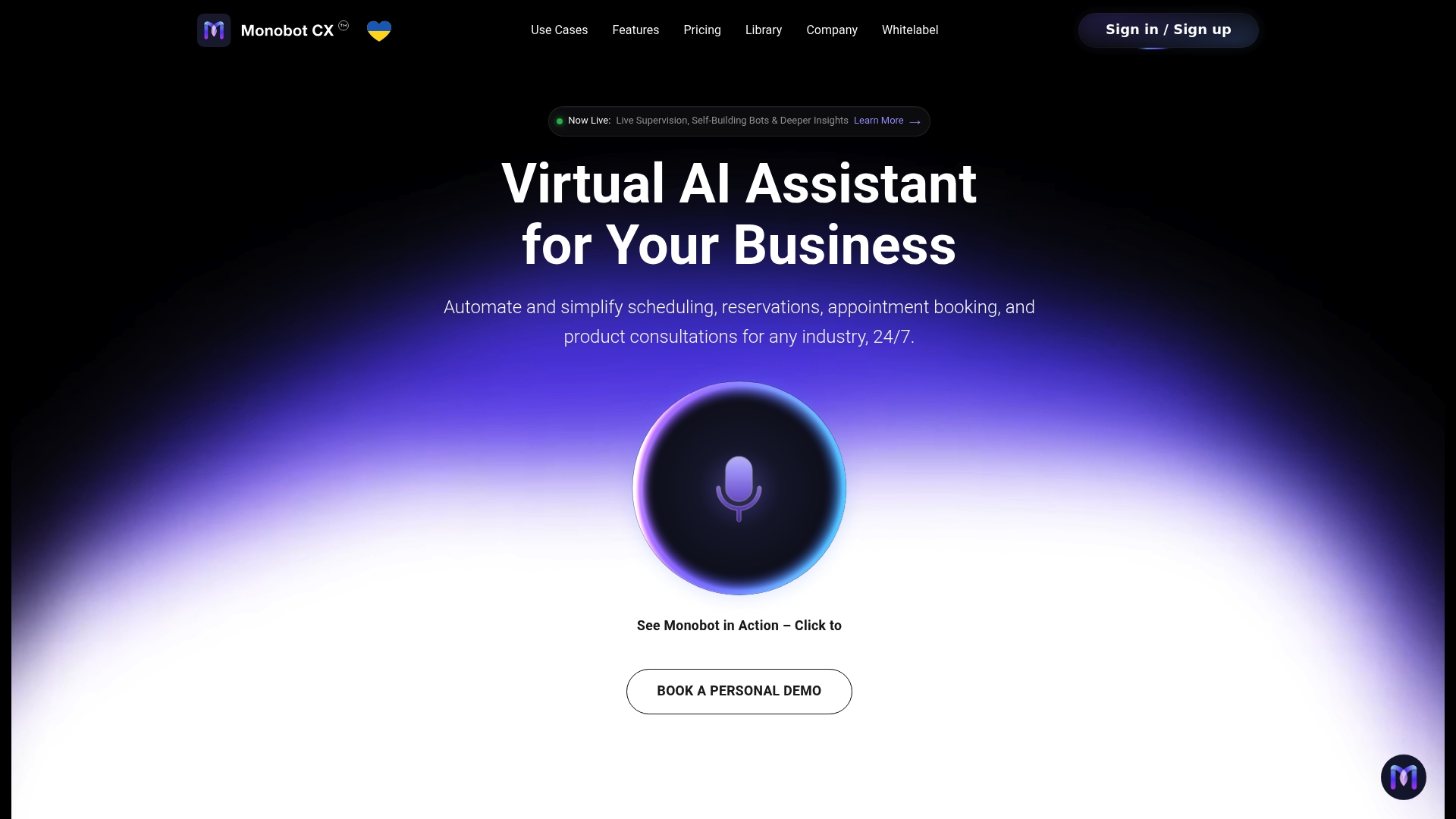
Monobot automates up to 80% of inbound calls and chats, connects to your existing CRM and helpdesk tools through its integration hub, and gives your team granular analytics through a real-time dashboard. Industry-specific templates for healthcare, banking, retail, and logistics mean you can go from setup to live deployment in minutes. If you are ready to build a hybrid model that reduces costs without cutting service quality, Monobot is built for exactly that.
FAQ
Why do businesses deploy virtual assistants instead of hiring more staff?
Virtual assistants handle high-volume, routine tasks at a fraction of the cost of full-time hires and operate 24/7 without shift constraints. Gartner projects $80 billion in global labor cost savings from this automation in 2026.
What is the difference between an AI virtual assistant and a human virtual assistant?
An AI virtual assistant uses NLP and ML to automate customer interactions in real time, while a human virtual assistant is a remote worker handling administrative and back-office tasks. Most effective deployments use both in a hybrid model.
Do virtual assistants replace human agents in customer service?
No. Only 20% of customer service leaders have reduced agent headcount due to AI, and Gartner predicts half of companies that did cut staff will rehire by 2027 to maintain service quality.
What tasks should businesses automate with virtual assistants first?
Start with high-volume, low-complexity tasks: FAQ responses, appointment scheduling, order status updates, and lead qualification. These deliver the fastest ROI and carry the lowest risk if the AI makes an error.
How do virtual assistants integrate with existing business systems?
Virtual assistants connect to CRM platforms, helpdesk tools, and scheduling systems through integration hubs, enabling automated ticket creation, personalized responses, and real-time analytics without manual data entry.
Key takeaways
Businesses that deploy virtual assistants in hybrid AI-human models reduce operational costs, scale customer service capacity, and improve agent performance without the service quality risks of full automation.
| Point | Details |
|---|---|
| Cost savings require hybrid models | Full automation is expensive; most businesses use AI to assist agents, not replace them. |
| Staffing cuts often reverse | Gartner predicts 50% of companies that reduced staff due to AI will rehire by 2027 to maintain quality. |
| Strategic value exceeds cost reduction | Personalization, proactive service, and 24/7 availability build customer loyalty beyond what cost savings alone deliver. |
| Integration multiplies ROI | Connecting virtual assistants to CRM, helpdesk, and analytics platforms compounds their value significantly. |
| Ongoing tuning is non-negotiable | AI performance drifts without continuous content updates, governance, and human oversight investment. |