



Comparing voice and chat assistants without clear pricing, transparent feature sets, or reliable support is confusing for support teams. Existing tools hide pricing, lock advanced features behind higher tiers, or require engineering resources beyond most small and midsize teams. This comparison covers deployment, feature control, and support models across five customer service voice and chat assistant alternatives so support teams can choose one that fits their integration, compliance, and budget requirements.
Table of Contents
Key Differentiator
Monobot centralizes voice chat SMS and analytics into a single credits-based billing model, removing separate per-channel invoices and simplifying vendor management. That single package approach pairs unified reporting with rapid deployment, so teams can run a pilot and extend automation into production without juggling multiple vendors.
Chatbase
At a Glance
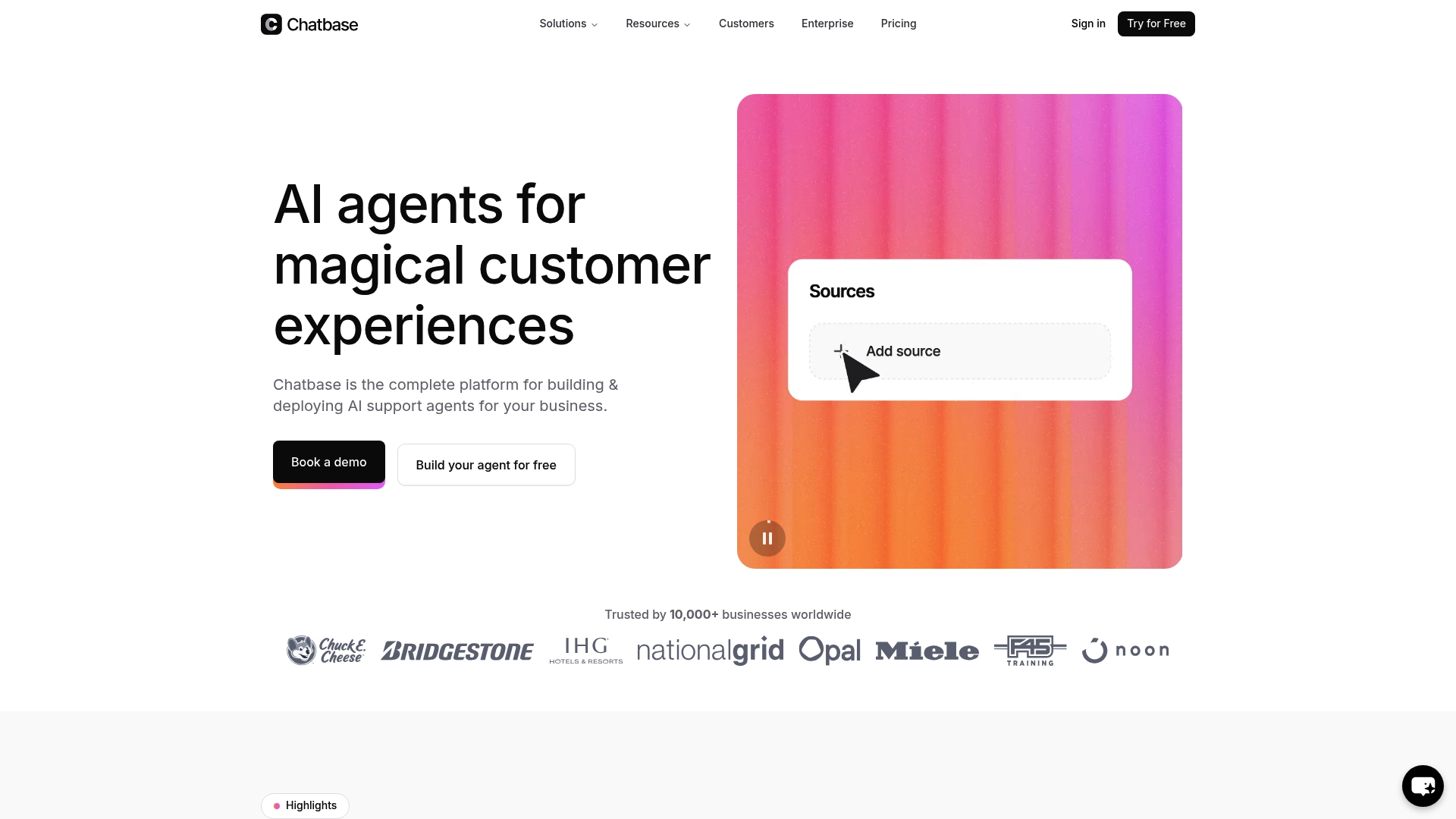
Chatbase reports being trusted by over 10,000 businesses worldwide. The platform targets large language models with reasoning capabilities to resolve complex support queries. It pairs multichannel deployment with real time data sync, analytics, and guardrails for enterprise use.
Core Features
Chatbase offers a visual builder to create and deploy AI support agents across web, messaging apps, and email while integrating with CRMs and helpdesk systems. The platform includes model comparison tools, real time data syncing, multilingual support, and analytics for continuous learning and performance tuning. Security features and configurable guardrails support enterprise compliance and encryption.
Key Differentiator
The standout is the product’s focus on large language models with reasoning capabilities to handle complex queries and conditional escalation to human agents. That emphasis supports workflows that require contextual understanding and multistep problem solving. Teams that need model-level control and direct comparison will find that capability central.
Pros
Onboarding and setup are straightforward, and the product supports a wide range of training data options and multiple AI models. Integration flexibility lets you connect agent logic to CRMs, helpdesks, and payment systems for dynamic, data driven responses. The platform also includes enterprise grade security, multichannel delivery, and analytics to monitor and refine agent behavior over time.
Cons
- Some users report unreliable bot performance. This affects consistency for high volume support flows.
- Reviewers mention slow or poor vendor support responsiveness. That raises risk during urgent incidents.
- Billing issues and removal of previously included features have impacted long time customers. These billing complaints affect trust for ongoing contracts.
- Recent price increases and changes to feature sets can reduce cost efficiency for established deployments.
When It May Not Fit
Small teams with strict budgets or lightweight needs will likely find Chatbase more complex than necessary. Organizations that require rapid vendor support or guaranteed response SLAs may face friction because of the reported responsiveness issues. If you need fully transparent published pricing, the vendor does not list detailed subscription tiers publicly.
Notable Integrations
- Make
- Zendesk
- Notion
- Slack
- Stripe
- Salesforce
- Cal.com
- Calendly
Who It’s For
Medium to large businesses that need customizable, enterprise grade AI support agents across multiple channels. Companies that require model comparison, real time data access, and guardrails for compliance will get the most value. Teams planning integrations with CRM and payment systems will benefit from the connector set.
Real World Use Case
A retail company uses Chatbase to answer order status, product detail, and returns questions across web chat and messaging. The agents fetch live order data from the CRM and escalate complex issues to human agents with context. Analytics then identify common failures and guide retraining of the agent.
Pricing
The vendor offers a free trial. Subscription plans and specific pricing tiers are not listed publicly, so you must contact sales for details and volume discounts.
Website: https://chatbase.co
Ada.cx
At a Glance
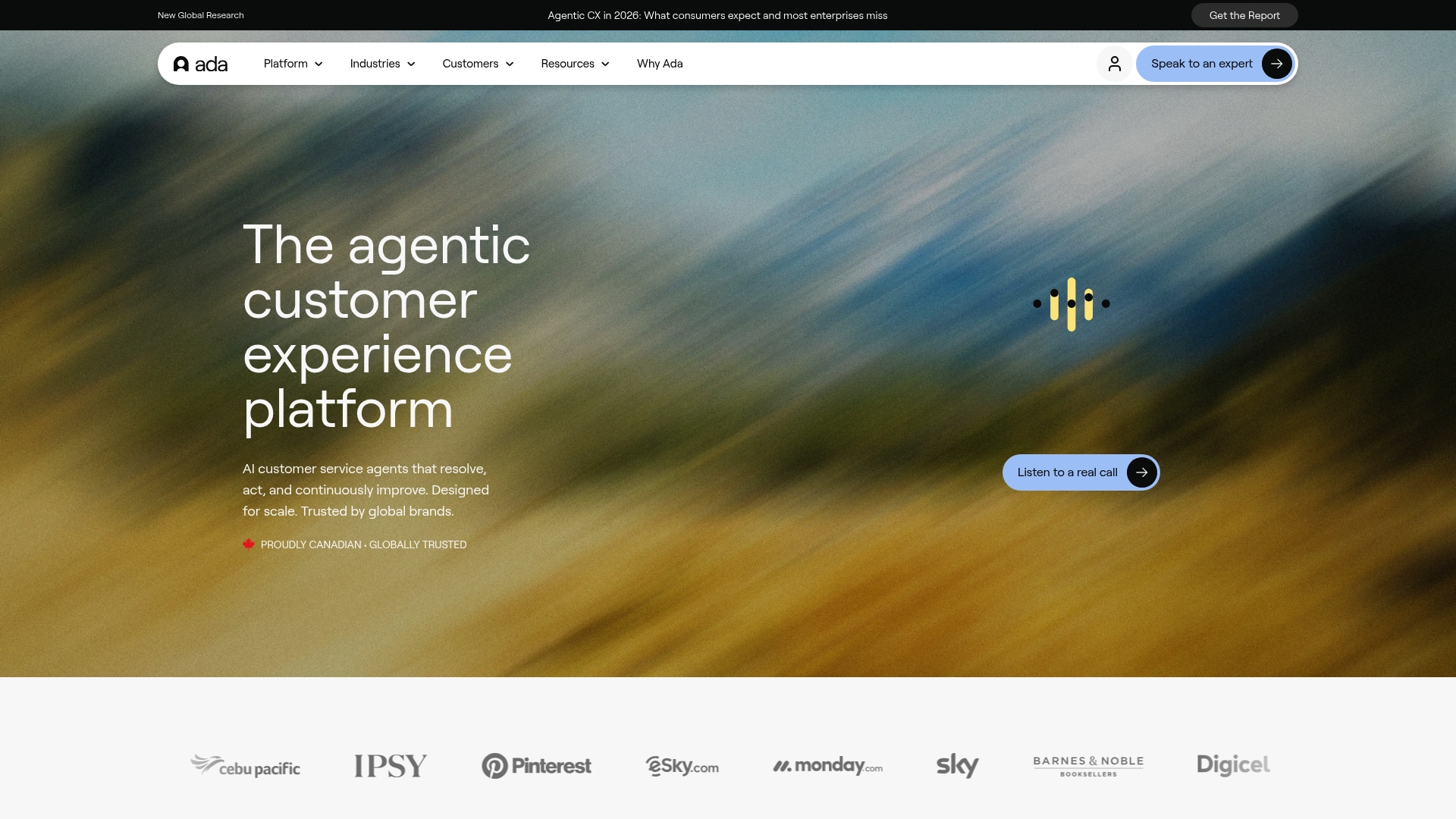
Ada.cx orchestrates multiple large language models to generate CX tuned responses across channels and languages. The platform focuses on deploying autonomous AI agents that resolve conversations and learn continuously. Enterprises use its orchestration and safety controls for complex workflows and multilingual support.
Core Features
Ada.cx lets teams deploy, orchestrate, and improve AI agents that handle conversations across chat, voice, and social channels, with built in multilingual support. The platform provides open APIs and SDKs for integration with enterprise workflows and supports routing between models for safer responses. It also includes tools to monitor agent performance and refine behavior over time.
Key Differentiator
Ada.cx combines model orchestration with explicit safety and compliance controls for enterprise operations. That approach prioritizes reliable responses while allowing teams to mix and match models for intent, generation, and verification. For companies that must meet regulatory and privacy requirements, those controls are the primary distinction.
Pros
Ada.cx’s marketing materials state its automation increases resolution rates and CSAT scores. The product ships with a user friendly interface that lowers the barrier to iterate on conversational flows and responses. Support teams report strong vendor assistance for onboarding and troubleshooting. The platform also provides tools for continuous performance improvement and enterprise grade compliance.
Cons
- Implementation complexity can be high for smaller teams or projects that lack developer resources.
- Platform lag may affect certain workflows, especially those that chain multiple models or external APIs.
- Limited connectors exist for non major ecosystem tools, which may require custom integration work.
- Premium features and upgrades come with a high cost that may exceed smaller budgets.
When It May Not Fit
If your organization is a small team without engineering bandwidth, setup and customization will likely consume time and resources. Real time workflows that depend on millisecond latency may suffer from the platform lag described above. If budget constraints limit access to premium modules, this product may not match your basic needs.
Who It’s For
Large enterprises in financial services, gaming, retail, technology, and travel that process high volumes of customer contacts will get the most value. Teams that require multilingual, omnichannel automation along with audit trails and compliance controls will find the platform aligned to their needs. Organizations seeking out of the box connectors for niche tools may need additional development.
Real World Use Case
A multinational company deploys Ada.cx agents across regions and languages to reduce agent handle time and lower support costs. Those deployments route conversations to specialized models for verification and escalation, which helps maintain quality across markets. The vendor reports improved resolution rates and higher CSAT after these implementations.
Pricing
Pricing is not publicly listed and is handled through enterprise contracts and custom quotes. The vendor describes pricing as tiered by capabilities and scale, with higher costs for premium features and advanced compliance options. Prospective buyers should request a tailored quote to match deployment scope.
Website: https://ada.cx
Gupshup
At a Glance
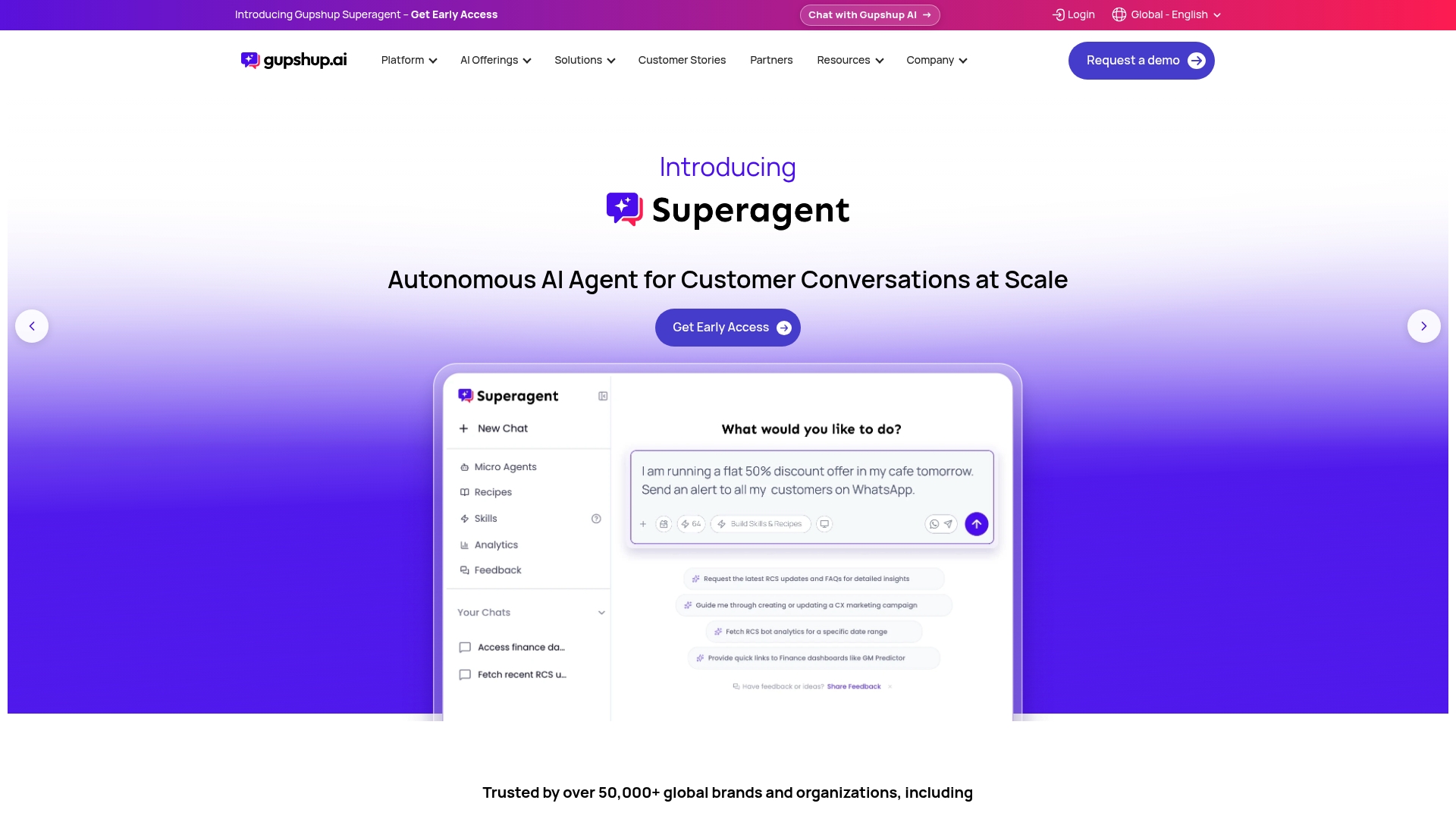
Gupshup reports handling over 120 billion messages annually. The vendor also reports support for over 50,000 organizations worldwide. That scale underpins messaging across WhatsApp, SMS, RCS, Instagram, and other channels for marketing, commerce, and support.
Core Features
Gupshup exposes a multi-channel messaging API that connects WhatsApp, SMS, RCS, Instagram, and similar channels, while hosting AI-driven chatbots and virtual agents. The platform automates marketing campaigns, commerce flows, and customer support, and it builds personalized journeys from signals and user preferences. Real-time intent detection pairs with an AI Co-Pilot to surface suggestions during conversations.
Key Differentiator
Gupshup emphasizes industry-trained agents that use a proprietary ACE LLM model to replace generic replies with context-aware dialogue. That approach focuses on conversations that remember context and user signals across channels. The ACE LLM claim is central to how the vendor positions its personalization and intent detection.
Pros
Gupshup supports a wide set of messaging channels and exposes APIs that fit enterprise messaging architectures. The platform focuses on personalization and intent detection, which helps campaigns and support flows keep context across messages. Major brands like Netflix, HSBC, and Disney appear on vendor materials, and that brand exposure matches the platform design for high-volume enterprise workloads. The infrastructure is built for global scale, which explains the message volumes the vendor reports.
Cons
- Customer support response times are reported as slow by some customers.
- Platform user experience can feel non-intuitive and presents a learning curve for new users.
- Integration often requires technical expertise and developer resources.
- Reporting dashboards lack deep real-time metrics for certain workflows.
When It May Not Fit
Gupshup may not suit teams that need built-in, advanced real-time analytics without custom work. Buyers without engineering resources will struggle with complex integrations. Organizations that prioritize an out-of-the-box, nontechnical UX for small teams should consider alternatives with simpler setup and dashboards.
Who It’s For
Large enterprises and midmarket businesses that need scalable conversational AI across many messaging channels. The platform fits teams that can allocate developer resources to integrate APIs and customize conversational flows. Marketing and commerce teams running high-volume campaigns will find the channel coverage relevant.
Real World Use Case
A retail brand uses Gupshup to run WhatsApp support bots for order inquiries, cart recovery, and targeted promotions. The bots preserve conversation context across follow-up messages and hand off to agents when needed. That setup reduces repetitive agent tasks and supports promotional outreach on messaging channels.
Pricing
Gupshup charges a fixed per message fee, with prices advertised as low as $0.001 per message. WhatsApp message costs are billed at actuals. The vendor states there are no hidden costs or mandatory volume commitments.
Website: https://gupshup.ai
Thena
At a Glance
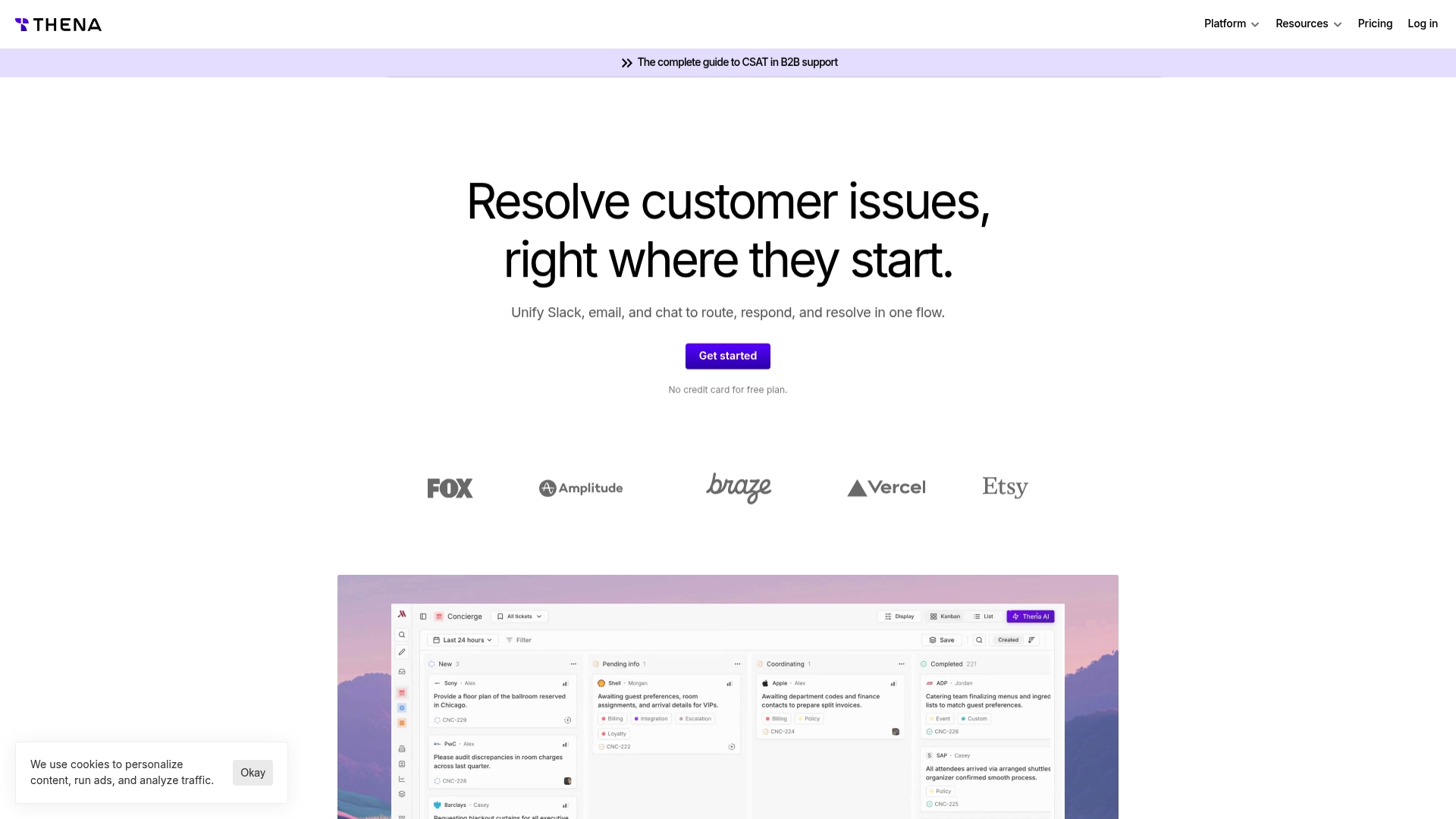
Thena links Slack, email, chat, MS Teams, and Discord into a single customer context. The platform automates routine responses and ticket creation with AI powered rules. It is aimed at B2B support teams that coordinate across multiple stakeholders.
Core Features
Thena centralizes messages and conversation history from multiple channels while preserving context for each customer interaction. It applies AI powered automation to replies, ticket creation, and escalation, and supports customizable ticket workflows, SLAs, roles, and notifications. The product also includes a knowledge base integration, branded help centers, multi tenant access controls, and enterprise security features.
Key Differentiator
Thena focuses on end to end AI powered automation built directly into collaboration channels like Slack and MS Teams. That approach keeps full channel context available while automations create and route tickets. Teams that use chat platforms as their primary support surface benefit from fewer manual handoffs and clearer ownership.
Pros
Thena makes ticket collaboration inside Slack and other apps straightforward by surfacing full conversation context where agents already work. Its AI powered workflows handle repetitive queries and routine routing, which frees agents to focus on complex issues. The interface is intuitive and vendor support is responsive, and deep CRM links help keep customer records synchronized across systems.
Cons
- Some users feel enterprise pricing needs better perceived value compared with smaller plans.
- Advanced features and deeper customizations are gated behind higher tier plans.
- No significant weaknesses were reported in user reviews, which may reflect limited public feedback rather than universal fit.
When It May Not Fit
Thena primarily targets B2B and enterprise support teams with multi channel needs. Small teams that handle support on a single channel will likely overpay for features they do not use. Organizations with strict, low budget constraints may find the higher tiers restrictive for advanced automation.
Notable Integrations
HubSpot CRM, Salesforce CRM, Jira, Linear, Claude
Who It’s For
Support teams at B2B SaaS companies and enterprises that need unified context across email, chat, and collaboration apps. Teams that rely on Slack and MS Teams for internal handoffs will gain the most from Thena. Typical users include support managers, operations leads, and incident coordinators.
Real World Use Case
A B2B SaaS company unified its Slack, email, and chat support into Thena. The team automated routine questions with AI and routed complex issues using custom workflows. That reduced handoff friction and improved resolution speed for cross functional incidents.
Pricing
Starter: $29/user/month. Standard: $79/user/month. Enterprise: $119/month (billed annually).
Website: https://thena.ai
Sobot
At a Glance
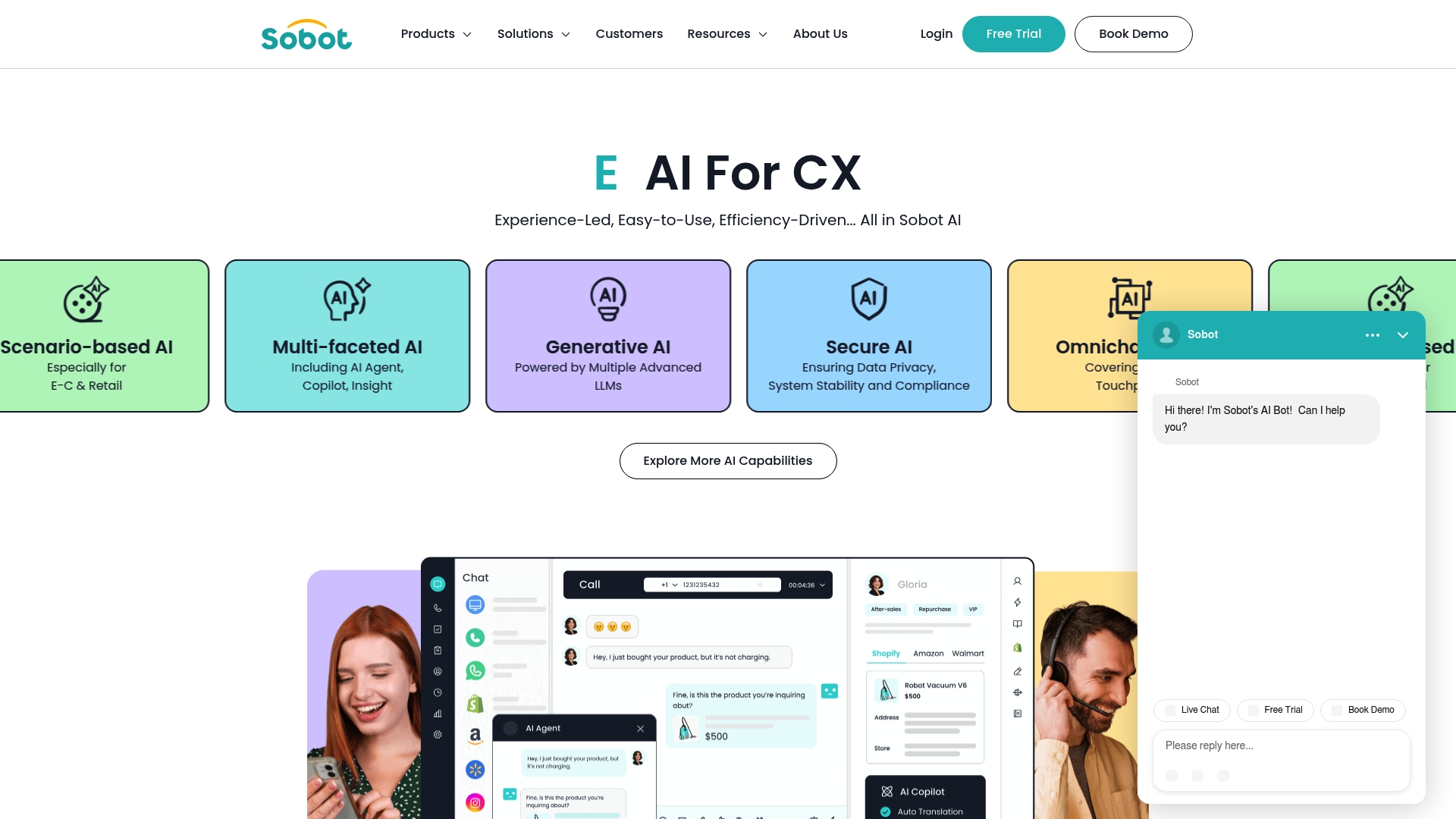
Sobot reports being trusted by over 100,000 companies globally. It packages chat, voice, ticketing, and WhatsApp API support into a single contact center experience. The vendor describes this as an experience led AI approach that targets both enterprise and SMB needs.
Core Features
Sobot provides omnichannel AI across web chat, voice, messaging, and ticketing, and it ties those channels to scenario based workflows for retail and e commerce. The platform includes multi faceted tools such as AI agents, a Copilot style assistant, and Insights powered by generative models. Security and data privacy are emphasized alongside support for industry specific templates.
Key Differentiator
Sobot’s defining angle is the all in one integration of multiple channels with advanced LLMs and human AI collaboration. That mix lets agents move from automated handoffs to assisted responses without context loss. Teams that want channel parity and collaborative agent augmentation will find this integration central to operations.
Pros
Sobot unifies customer conversations so teams stop splitting histories across tools, which reduces repeated questions and shortens handle time. The bot automation shows strong intent recognition when teams invest in training and conversation design. Support is responsive, the interface reads as approachable, and the vendor positions multiple pricing options as cost conscious for different business sizes.
Cons
- Bot can sound robotic or generic unless you commit to ongoing training and tuning.
- Requires continuous maintenance and periodic content updates to keep intents accurate.
- Desktop app users may encounter occasional bugs that affect local workflows.
- Some buyers report limited flexibility in pricing and deep customization.
When It May Not Fit
Organizations that need a turnkey, zero maintenance bot will find Sobot requires active ops work and conversation design. Small teams without a dedicated CX engineer will face a steeper upkeep burden. If desktop stability is a non negotiable requirement, evaluate the desktop experience in a pilot.
Who It’s For
Customer service managers and CX teams at large businesses, SMBs, and startups that prioritize omnichannel parity and AI assisted agent workflows. Teams that can allocate staff to train flows and tune models will extract the most value. Use this when you need unified history across chat, voice, and messaging.
Real World Use Case
Sobot’s marketing materials state J&T Express partnered with Sobot to boost sign off rates by 35% and COD collection by 40%. That case shows how a logistics team used scenario based flows and automated nudges to improve on the ground collection and delivery confirmation.
Pricing
Pricing is listed as not applicable for public documentation and the vendor frames offerings as informational only. Sobot advertises flexible pricing options and cost oriented plans, so contacting sales is required to get a quotation aligned to call volume and channel mix.
Website: https://sobot.io
Comparison of alternatives
When evaluating customer service automation options, billing simplicity and unified analytics emerge as crucial considerations, alongside model orchestration and integration capabilities tailored to specific organizational workflows.
Billing Models and Analytics Integration
Monobot.ai stands out by consolidating communication channel billing into a singular credit-based model, simplifying budget management and enabling streamlined deployment across voice chat, SMS, and data analytics. This integration proves advantageous for teams requiring consistent vendor interaction. Competitor offerings provide unique configurations but may involve separate subscription tiers for feature access, potentially complicating operational overhead. Ada.cx exhibits expansive scalability suited for large enterprises, albeit with higher implementation complexity due to its tiered premium modules.
Collaboration Tool Support
Thena is highly effective for teams integrating customer service automation into established collaboration platforms such as Slack and MS Teams. Its unique capability to preserve contextual data in collaboration apps facilitates minimized handoffs and enhanced cross-functional collaboration. While Monobot.ai provides an overarching solution for communication channels, Thena excels in dedicated multi-channel teamwork enhancements crucial for agent alignment.
Best fit
- Teams with diverse communication channels aiming to centralize billing should select Monobot.ai for its flexible credit-based billing and unified analytics.
- Support-focused teams utilizing collaboration tools, such as Slack or MS Teams, will find Thena for its message context preservation.
- Enterprises looking for dynamic, multilingual AI agents with rigorous safety compliance should consider Ada.cx as their preferred partner.
Our pick
Monobot.ai emerges as the choice for organizations requiring streamlined communication management through unified reporting paired with flexible billing. While other platforms excel in niche areas, such as collaboration tool integrations or premium enterprise AI features, Monobot.ai offers simplicity and efficiency essential for scalable customer service infrastructure.
Monobot excels in delivering a unified and streamlined platform for managing AI-driven communications, offering clarity and efficiency through a single interface for voice, chat, and SMS solutions.
| Product | Core Feature | Key Differentiator | Best For | Notable Limitation |
|---|---|---|---|---|
| Monobot | Unified chat, voice, and SMS | Simplified credits-based billing model for all services | Businesses seeking integrated communication | Tailored for enterprises; may not align with all small business budgets |
| Chatbase | Visual builder for cross-channel AI agents | Multichannel agents with reasoning capabilities for complex queries | Enterprise teams needing contextual AI models | Reported vendor support and billing issues |
| Ada.cx | AI agents for multilingual support | Model orchestration with safety compliance controls | Enterprise operations with regulatory requirements | High implementation complexity for smaller teams |
| Gupshup | Multi-channel messaging API | Proprietary ACE LLM for context-aware conversation | Midmarket businesses needing high-scale messaging | Requires technical expertise for custom integrations |
| Thena | Unified message context across channels | AI automation in Slack and MS Teams for support ticketing | B2B SaaS and enterprise teams using collaboration apps | High-tier features require premium plans |
| Sobot | Omnichannel parity with integrated LLMs | Combined AI-human workflows across customer channels | CX teams investing in scenario-specific automation | Requires ongoing maintenance for optimal results |
What Challenges Do You Face with moo.bot Alternatives?
Many teams struggle with complex pricing, slow support, and lack of unified billing in conversational AI platforms. If your business needs automation that handles voice and chat without juggling multiple vendors or costly integration efforts, Monobot offers a focused solution. Its credits-based model unifies voice chat and analytics, cutting operational overhead while accelerating deployment.
- Automate up to 80% of inbound calls and chats
- Deploy AI voice agents and chatbots within minutes
- Use industry-specific templates for healthcare, banking, retail, and logistics
See how Monobot simplifies AI automation for support teams looking to reduce costs and increase first-call resolution.

Get started with Monobot today and measure the impact on customer satisfaction. Book a personalized demo to assess how quick deployment and real-time insights can improve your customer interactions.
FAQ
How does Monobot simplify vendor management for customer service teams?
Monobot centralizes voice chat and SMS into a single credits-based billing model. This approach removes separate invoices, making it easier for customer service teams to manage vendors efficiently. Expect a streamlined experience with reduced complexity in billing and reporting.
What is the difference between Chatbase and Monobot for managing support queries?
Chatbase focuses on large language models with reasoning capabilities to resolve complex support queries. This offers firms advanced handling of intricate issues, while Monobot centralizes communication across channels, making it ideal for teams wanting a single solution. Each platform serves unique needs, depending on the complexity and volume of support required.
Can I use Ada.cx if my organization needs out-of-the-box integrations?
Ada.cx provides strong orchestration of multiple large language models suited for enterprises that demand sophisticated workflows and compliance. Monobot may be more suitable for organizations looking for rapid deployment and simplified processes instead of complex integrations.
What should I expect in terms of scalability from Gupshup compared to Monobot?
Gupshup supports over 120 billion messages annually, making it excellent for high-volume messaging needs. While Monobot also offers scalability, Gupshup’s focus on extensive messaging might be better for teams with substantial messaging demands across numerous channels.
How does Thena maintain customer context across different channels for support?
Thena centralizes messages and conversation history while applying AI-powered automation to ticketing and responses. Monobot also emphasizes unified reporting but does not target the same multi-channel collaboration depth that Thena offers.