



If you are weighing the two enterprise conversational AI platforms that show up on almost every contact center shortlist, the decision rarely comes down to a feature checklist. It comes down to where your stack already lives, who will build and maintain the agents, how voice performs under real call volume, and what the full bill looks like after usage fees. This guide gives you the criteria, a scorecard you can reuse in vendor calls, and a view on where a faster, no-code alternative fits.
We are a vendor in this space, so we do not name competitors here. We describe the two options by type, which is how most buyers end up sorting them anyway.
TL;DR
- One type of platform is tied to a large contact-center software suite. The other is a standalone agent-builder with multi-agent orchestration. Your existing stack should weigh heavily in the choice.
- Both are enterprise-grade and typically need a project team, not a single admin. Ask for implementation timelines in writing.
- Public pricing is limited for platforms of this class. Compare total cost at your own call volume, not list prices.
- Run a voice proof of concept with your real call recordings. Latency and handoff quality decide customer satisfaction more than feature counts.
- If you want no-code deployment in days and published tiers, a bundled platform like Monobot is worth adding to the shortlist.
Table of Contents
- What each type of platform is built for
- Voice automation: where most evaluations are won or lost
- Chat, AI agents and human-agent assistance
- Building, deploying and managing agents
- Integrations, deployment and compliance for US enterprises
- Pricing, implementation effort and contracts
- A scorecard for your shortlist
- Where Monobot fits
- How to run a fair pilot
- What to measure after launch
- FAQ
- Sources
What each type of platform is built for
Enterprise conversational AI platforms share a job: they let a business build virtual agents that answer calls and chats, pull data from back-office systems and hand off to humans when needed. They differ in where they come from.
The suite-aligned platform. One of the two well-known options was acquired by a major contact-center software vendor, which announced completion of the deal on September 8, 2025 and said it would integrate the AI with its own cloud contact-center platform. For teams already running that vendor’s suite, this is the natural path: shared routing, shared reporting, one vendor relationship. For everyone else, the question is how well it works outside that ecosystem and how the roadmap will be shaped by the parent company.
The standalone agent-builder. The other option is an independent platform aimed at building AI agents across many channels and business functions, not only the contact center. Vendors in this category typically emphasize multi-agent orchestration, knowledge retrieval and a broad set of enterprise use cases, from customer service to employee and IT support. The trade is breadth: more to configure, more to govern.
Neither is a bad choice. The point is that they solve slightly different problems, and an honest comparison starts with yours.

Voice automation: where most evaluations are won or lost
Chat is forgiving. A two-second pause in a chat window goes unnoticed. The same pause on a phone call sounds like a dropped line.
When you evaluate voice, test these specifics:
- End-to-end latency. Measure from the moment the caller stops speaking to the moment the agent starts. Ask vendors for numbers under production load, not a demo on a quiet line.
- Speech recognition on your callers. Accents, background noise, account numbers and product names are where speech-to-text breaks. Use your own recordings.
- Barge-in and interruptions. Callers talk over bots. The agent should stop, listen and recover.
- Voice choice and model flexibility. Can you swap the speech-to-text, language model or text-to-speech provider as better ones appear, or are you locked to a bundle?
- Warm handoff. When the agent escalates, does the human see the transcript, the intent and the data already collected?
A useful rule: shortlist on features, decide on a voice pilot. Take 200 to 500 real calls, run them through each candidate, and score containment (calls resolved without a human), accuracy and caller experience by listening to a sample.
Chat, AI agents and human-agent assistance
Most enterprise platforms now cover chat, voice and messaging in a single builder. The practical differences show up in three places.
Building logic. Visual flow builders give you control and predictability, which suits regulated processes such as identity verification or payment collection. LLM-driven agents handle open-ended questions better but need guardrails. The strongest deployments combine both: deterministic steps where the process is fixed, generative answers where the question is open. Ask each vendor to show you how you constrain the model, test changes and roll back a bad release.
Knowledge. Your agent is only as good as the content behind it. Check how the platform ingests help centers, PDFs and internal wikis, how it cites or restricts sources, and how quickly a corrected article reaches the live agent.
Human-agent assistance. Automation is only half the story. Real-time suggestions, auto-summaries and sentiment signals for your human agents often deliver savings sooner than full automation, because they apply to every call, not only the ones a bot can finish. If you run a BPO or a large contact center, this belongs on the scorecard with equal weight. Our overview of AI agents for enterprise contact centers covers how to sequence automation and agent assist.

Building, deploying and managing agents
The tooling gap between platforms is mostly a staffing question.
| Question | Why it matters |
|---|---|
| Who builds the first agent? | Conversation designers, developers or business analysts need different tooling. |
| How are changes tested? | Look for sandboxes, version control and regression tests on conversation flows. |
| How do you deploy? | Single-click publish versus a release pipeline across dev, staging and production. |
| How do you monitor? | Dashboards for containment, drop-off points, intent accuracy and cost per conversation. |
| How do you hand off ownership? | Can operations teams edit content without opening an IT ticket? |
Platforms built for large enterprises tend to favor developer control and environment separation. That is valuable at scale and slows down small teams. If your goal is a working agent handling appointment scheduling, order status or lead qualification within days, weigh the setup effort honestly. A comparison of AI agent builders can help you place the heavyweight options against lighter ones.
Integrations, deployment and compliance for US enterprises
For US buyers, the integration and compliance questions usually end the evaluation faster than any demo.
Integrations. List the five systems your agents must read from or write to: CRM, ticketing, scheduling, order management, telephony. Ask each vendor for a reference customer using each one, and ask whether the connector is native, built through a generic API or a services project. Telephony deserves special attention: SIP trunking, existing contact-center platforms and number porting can add weeks.
Deployment. Confirm whether the platform is multi-tenant cloud, dedicated cloud or deployable in your own environment, and what data residency options exist. Regulated industries often need a dedicated or private setup.
Security and compliance. Request the current SOC 2 report, penetration test summary and data processing terms. If you handle protected health information, you need a signed business associate agreement and a clear statement of how call recordings and transcripts are stored and retained. Ask how the vendor handles model providers: whether your data is used for training, and where it is processed.
AI governance. Beyond vendor certifications, you need your own controls over what an agent may say and do. The NIST AI Risk Management Framework is a voluntary, widely referenced structure for mapping and managing AI risk, and it is a sensible baseline for your vendor questionnaire. For a practical walk-through of applying guardrails to automated workflows, see these NIST guardrails for AI workflows.
Pricing, implementation effort and contracts
Platforms of this class mostly sell through sales conversations, so expect quotes rather than a price page. That makes comparison harder, and it is where buyers get surprised.
Build a cost model from the same inputs for every vendor:
- Platform fee: annual commitment, minimums, number of agents or workspaces.
- Usage fees: per voice minute, per chat session, per SMS, plus any speech and language model costs billed separately.
- Implementation: vendor professional services, partner fees and your internal staff time.
- Add-ons: compliance packages, analytics, extra environments, premium support.
- Phone numbers and telephony: often forgotten until the first invoice.
Then run three volume scenarios, such as 1,000, 10,000 and 50,000 minutes per month, and ask each vendor to price all three. The ranking at 1,000 minutes is often not the ranking at 50,000.
On contracts, ask about term length, auto-renewal, price protection at renewal, overage rates, data export and exit assistance. Ask for implementation estimates as a range with named assumptions: how many intents, how many integrations, how many languages.
A scorecard for your shortlist
Score each vendor from 1 to 5 on these criteria, weighted to your priorities.
| Criterion | Weight to consider |
|---|---|
| Fit with your current contact-center stack | High if you run a major suite |
| Voice latency and accuracy on your calls | High for phone-heavy teams |
| No-code access for business users | High for lean teams |
| Integration depth for your five systems | High for everyone |
| Compliance and data handling | Critical in healthcare and finance |
| Agent assist and analytics | Medium to high for large contact centers |
| Transparent total cost | High for budget owners |
| Time to first live agent | High if you need results this quarter |
The suite-aligned type usually wins on stack fit. The standalone builder usually wins on breadth and flexibility. A third type, the bundled no-code platform, usually wins on time to launch and cost clarity.
Our perspective
We build voice and chat agents for a living, and the pattern we see is consistent: teams over-invest in evaluating features and under-invest in evaluating time to value. A platform that takes six months to put a first agent in front of customers has to be dramatically better to justify the wait.
That is why we designed Monobot around no-code setup, ready-made industry templates and bundled pricing. Our goal is for you to launch an agent for appointment scheduling, order status or lead qualification in a short time, then expand once real call data shows you what to automate next. In our experience, up to 80% of routine inbound calls and chats are candidates for automation, and agent assist plus analytics help with the rest.
Our advice: whichever vendors you shortlist, insist on a pilot with your own calls, and judge them on resolved conversations and total cost, not on slides.
Alex
Where Monobot fits
Monobot is an AI platform for building, deploying and managing voice and chat agents without code. It is designed for customer service managers, contact center operators, BPOs and IT and operations teams that want automation live quickly, with integrations, real-time analytics and human-agent assistance in the same product.
Published plans make budgeting simpler: Starter is $200 per month, Growth is $500 per month and Business is $1,000 per month, with Enterprise available on request. A phone number is $2.50 per month, and HIPAA support is $1,000 per month for healthcare teams. See the full breakdown on our pricing page.
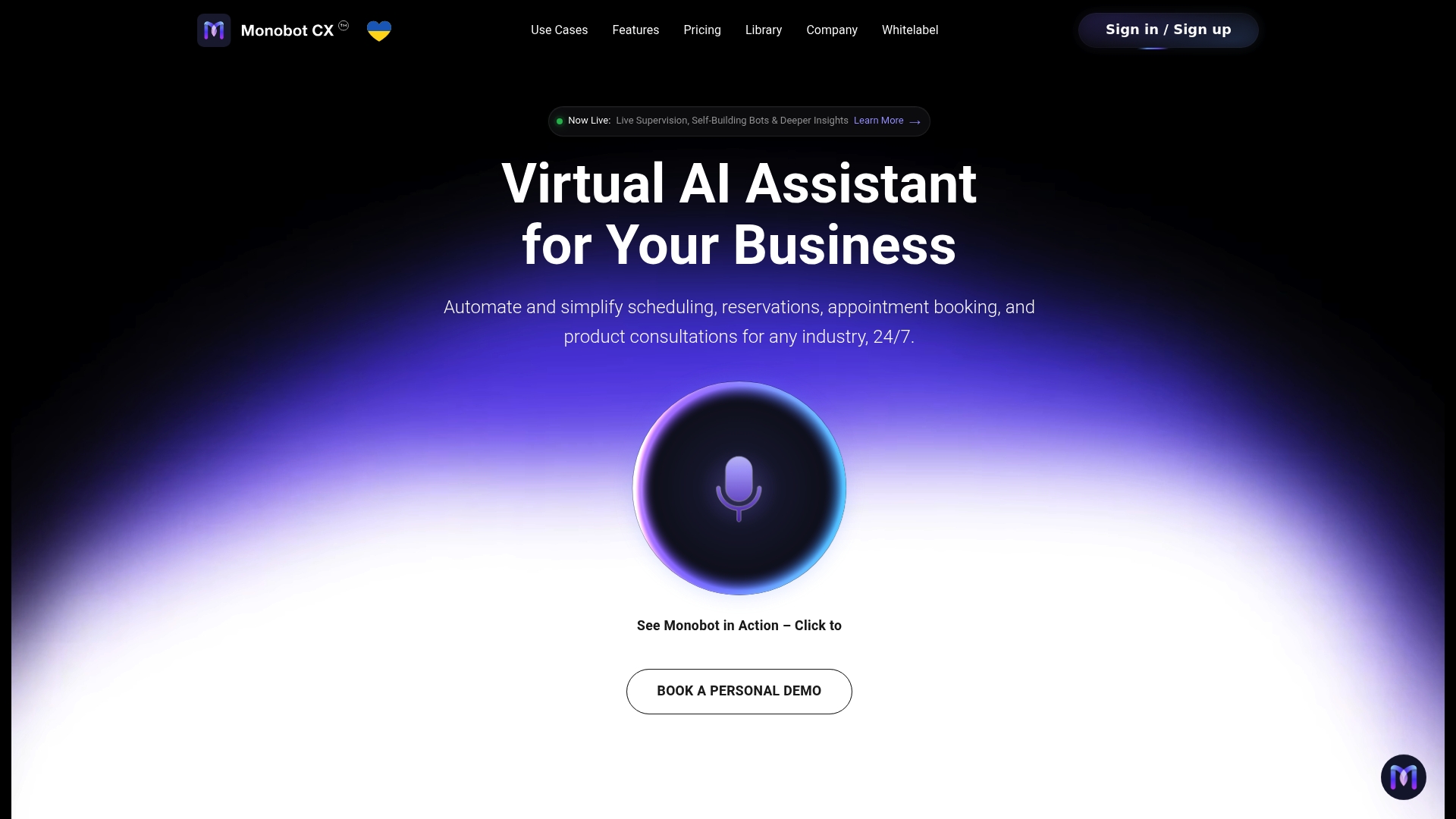
If you want to see how fast a first agent comes together, start with our ready-to-use templates for healthcare, banking, retail, logistics and more, or explore the AI voice agent builder. Agencies and BPOs can look at our white-label and OEM options. When you are ready, schedule a demo from monobot.ai and bring a few real call recordings.
How to run a fair pilot
A structured pilot beats any analyst report. Here is a four-week plan that works for most teams.
- Week 1: Scope. Pick one or two high-volume, low-risk use cases, such as order status or appointment changes. Define success: containment rate, accuracy, average handle time and customer satisfaction.
- Week 2: Build. Give every vendor the same knowledge sources, the same integrations and the same call samples. Note how many hours each build takes and who had to do it.
- Week 3: Test. Run recorded and live test calls. Include difficult cases: angry callers, poor audio, interrupted speech, off-topic questions.
- Week 4: Review. Compare outcomes, listen to calls together with operations and compliance, and rebuild your cost model with real usage figures.
Then decide. If the suite-aligned platform performs and your stack is already built around that suite, the integration benefits are real. If you need breadth across many business functions and have a developer team, the standalone builder is a strong candidate. If speed, simplicity and predictable cost matter most, the bundled no-code route deserves a seat at the table. Our guide to workflow automation with AI agents shows what a first use case looks like in practice.
What to measure after launch
Choosing the platform is the start. Track these from day one:
- Containment rate: share of conversations resolved without a human.
- First-contact resolution: including conversations that were escalated.
- Handoff quality: percentage of escalations that arrive with full context.
- Cost per resolved conversation: platform, usage and support combined.
- Failure patterns: the top ten questions the agent could not answer, reviewed weekly.
Good voice analytics turn these into a weekly improvement loop: review failed conversations, fix the knowledge or flow, redeploy, measure again. Teams that keep this loop going usually see containment climb steadily after launch rather than plateau.
FAQ
Which type of platform is better for a large contact center?
It depends on your stack. If you already run a major contact-center suite, the platform aligned with it offers the tightest routing and reporting integration. If you run a mixed or multi-vendor environment, a standalone builder or a bundled no-code platform often gives you more freedom.
Can I get exact pricing without talking to sales?
For most enterprise conversational AI platforms, not fully. Expect quotes based on volume, channels and add-ons. Ask every vendor to price the same three monthly volume scenarios so the quotes can be compared. Monobot publishes its plan prices on the pricing page.
How long does implementation take?
Enterprise builder platforms commonly run as projects over weeks to months, depending on integrations and the number of use cases. No-code platforms with templates can put a first agent live much faster. Ask each vendor for a written estimate with stated assumptions.
What should I ask about compliance?
Request the current SOC 2 report, data retention and residency terms, and whether your data trains any models. If you handle patient information, require a business associate agreement and confirm HIPAA coverage in writing.
Should I replace human agents or support them?
Most teams do best by doing both in sequence: automate routine, high-volume requests first, and give human agents real-time assistance and summaries for the rest. This protects customer experience while you build confidence in the automation.
Sources
- NICE Ltd. Completes Acquisition of Cognigy to Enhance AI Customer Experience, The Globe and Mail
- AI Risk Management Framework, NIST